
What is the best HR and payroll software for a startup in India?
Short answer: The best HR and payroll software for an Indian startup handles PF, ESI, professional tax and TDS correctly, is simple enough for a founder to run, and scales from 5 to 50 employees without a sharp price jump.
The best HR and payroll software for an Indian startup is one that calculates PF, ESI, professional tax and TDS correctly, is simple enough for a founder or office manager to run, and scales from 5 to 50 employees without repricing pain. Match the tool to your stage, not to the longest feature list.
Your situation | What to prioritise |
|---|---|
Team of 1 to 5, pre-revenue | Low cost, quick setup, payslips and basic leave tracking |
Team of 6 to 20, hiring monthly | Attendance and leave, employee self-service, easy onboarding, ESI readiness |
Team of 21 to 50, multiple roles or cities | PF compliance, state-wise professional tax, approvals, role-based access, reports for investors and auditors |
Startup that also runs sales | One platform for CRM and HR, so sales and people data stay connected |
What does a startup under 50 employees actually need?
A startup under 50 employees needs accurate salary processing, attendance and leave tracking, statutory compliance, payslips and a simple way to onboard new hires. It does not need heavy modules such as complex org charts, multi-level approval chains or workforce analytics yet.
Start with this core list:
- Payroll processing: one monthly run that handles earnings, deductions and net pay.
- Statutory compliance: PF, ESI, professional tax and TDS on salary.
- Attendance and leave management: feeds loss of pay and leave balances into salary automatically.
- Employee self-service: staff view payslips and apply for leave without messaging the founder.
- Employee records: documents, bank details, PAN and UAN stored in one place.
- Access control: salary data visible only to the right people.
Add these later, once the basics are stable: performance reviews, task management, workflow automation and deeper analytics.
Which compliance rules affect startups as they grow?
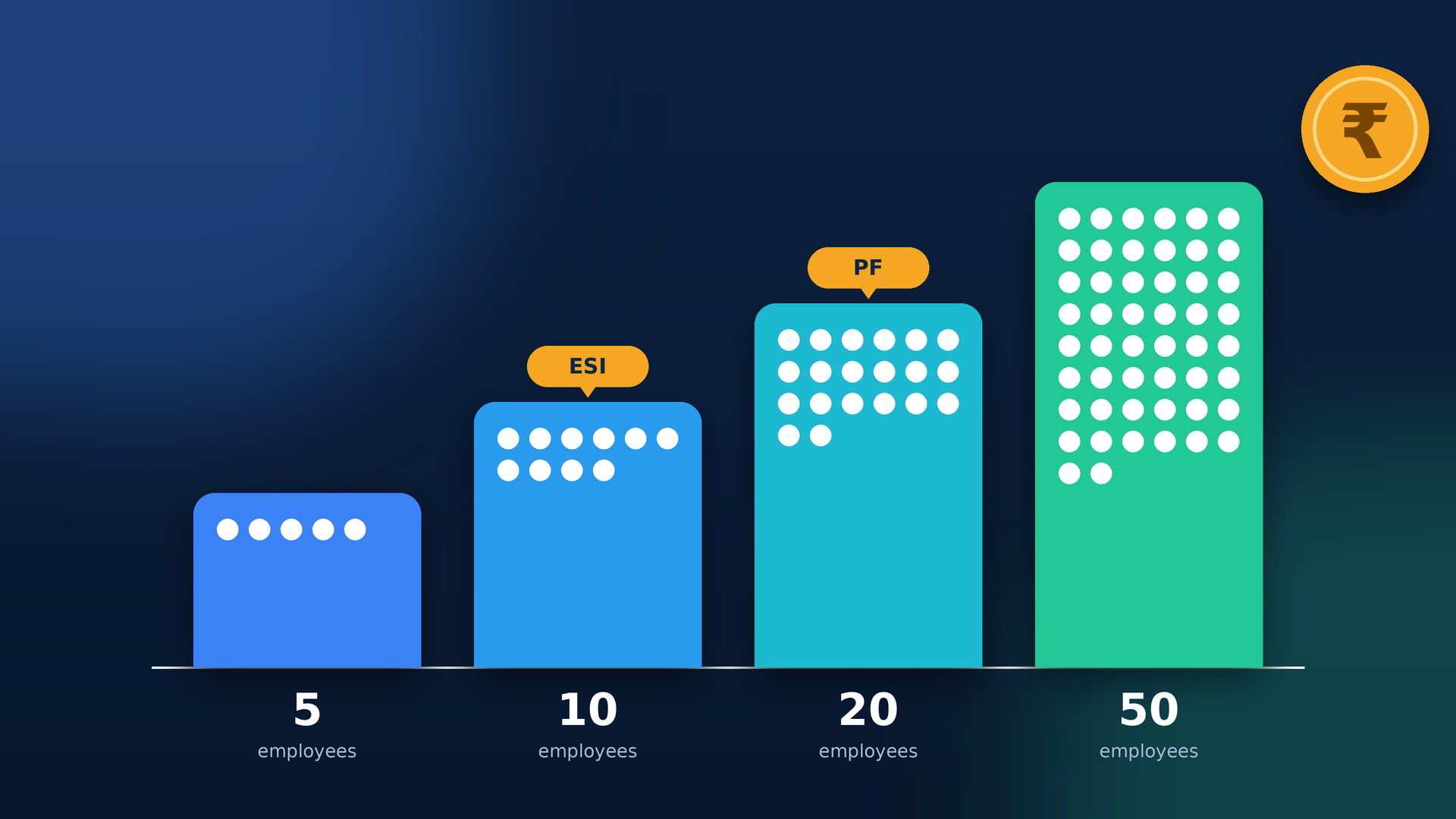
Compliance rules kick in by headcount. ESI generally applies from 10 employees in most states, PF is generally mandatory from 20 employees, and professional tax depends on the state where each employee works. Smaller firms can often register voluntarily, so check the position for your state and establishment type.
Team size | What usually applies | What your software should do |
|---|---|---|
Under 10 | PF and ESI are often optional or voluntary. TDS on salary applies where income is taxable. | Run payroll, generate payslips, handle TDS and keep clean records |
10 to 19 | ESI generally applies for employees with gross wages up to ₹21,000 a month. Professional tax applies in many states. | Calculate ESI at 0.75% (employee) and 3.25% (employer), plus professional tax |
20 to 49 | PF generally becomes mandatory, with 12% each from employee and employer on basic wages plus DA, up to the ₹15,000 wage ceiling. | Split the employer share into EPS and EPF, add EDLI and admin charges, and produce PF and ESI reports |
Two cautions for founders:
- Rules are applied by headcount and by state, and states differ, so confirm your exact obligations with a chartered accountant.
- Wage limits and schemes can change. The EPFO publishes its present rates in an official contribution rate chart that is worth checking before each financial year.
This section is general information and not legal or tax advice.
How do the main payroll options compare for a startup?
Startups usually choose between spreadsheets, an outsourced payroll provider, a standalone payroll app or an all-in-one HRMS platform. Spreadsheets are cheapest but riskiest, while all-in-one platforms cost more per head but remove tool sprawl as the team grows.
Option | Best for | Cost model | Watch out for |
|---|---|---|---|
Spreadsheet and bank transfer | Teams of 1 to 5 | Free, plus your own time | Formula errors, no audit trail, no employee portal |
Outsourced payroll (CA or payroll service) | Founders who want to hand off payroll | Usually a monthly fee per employee or a flat fee | Turnaround depends on the provider, and HR data lives elsewhere |
Standalone payroll app | Teams that only need salary processing | Usually per employee per month | Attendance, leave and CRM may need separate tools |
All-in-one HRMS platform | Startups that want HR, payroll and more in one place | Usually per user per month, sometimes with setup fees | Check which modules are included in each plan |
Get written quotes for any option before comparing, because pricing models and inclusions vary widely.
What features matter most to startups?
Startups benefit most from fast setup, a clean employee self-service portal, mobile access and pricing that does not jump sharply as you add people. Features designed for large HR teams add cost and complexity you will not use at this stage.
- Fast setup: you should be able to import employees and run a test payroll within days, not months.
- Mobile access: founders and managers approve leave and check attendance from their phones.
- Remote and multi-state support: professional tax and holidays can differ by state for distributed teams.
- Smooth onboarding: one place for joining details, documents and bank information.
- Role-based access and audit logs: vital when salary data is sensitive and people share one workspace.
- Investor-ready records: clean payroll and compliance data makes due diligence far less painful.
- Workflow automation: routing approvals and reminders saves hours once you pass 20 people.
- Migration and onboarding help: reduces errors when moving away from Excel.
How much does HR and payroll software cost for a startup?
Startups usually pay per employee or per user each month, plus a possible one-time setup fee and GST. Your real cost is the full yearly figure for your headcount, so always multiply the per-head price by your expected team size six to twelve months from now.
Using OrbitoCRM’s published per-user pricing as a worked example (Starter ₹199, Professional ₹499, Enterprise ₹999 per user per month):
Team size | Plan that fits its published user limit | Monthly cost before GST |
|---|---|---|
5 users | Starter (up to 5 users) | ₹995 |
10 users | Professional (up to 25 users) | ₹4,990 |
25 users | Professional (up to 25 users) | ₹12,475 |
30 users | Enterprise (unlimited users) | ₹29,970 |
50 users | Enterprise (unlimited users) | ₹49,950 |
These figures assume every employee counts as one user, and they exclude the ₹2,500 one-time setup fee and GST. Annual billing gives two months free, and every plan includes a 90-day free trial. The optional Orbito AI add-on is ₹1,500 per month. Confirm during a demo how users are counted and which HR and payroll modules each plan includes.
Questions to ask any vendor:
- What exactly counts as a user: every employee, or only admins and managers?
- Is there a setup, migration or training fee?
- What happens to the price when I cross 25 or 50 people?
- Can I export my data if I leave?
How can a startup evaluate payroll software in 30 days?
A startup can evaluate payroll software in 30 days by loading real employee data in week one, running a dry payroll in week two, testing self-service with a few employees in week three and reviewing reports with your accountant in week four. A long free trial makes this easy.
Week | What to do | What you learn |
|---|---|---|
Week 1 | Import employees, set salary structures and add PF, ESI and tax settings | How easy setup is and how clear the screens are |
Week 2 | Run a full dry payroll beside your current sheet and compare every figure | Whether calculations match your expectations |
Week 3 | Invite 3 to 5 employees to apply for leave and download payslips | Whether staff find it simple |
Week 4 | Share reports with your accountant and ask support two real questions | Report quality and support responsiveness |
If the tool passes all four weeks, switch over at the start of the next payroll month. If it does not, you have lost nothing but a few hours.
Should a startup choose an all-in-one platform with CRM?
If your startup sells to customers, an all-in-one platform that combines CRM and HRMS can be a smart choice. You manage leads, deals, employees and payroll in one login, which means fewer subscriptions and less double entry as the team grows.
OrbitoCRM is an AI-driven CRM and HRMS platform by Web Digital Mantra, an IT services company based in Bengaluru. You can read more about the team on the About page. The product suite includes core HRMS, attendance tracking, leave tracking, performance management, payroll and task management, along with a sales pipeline, call tracker and invoicing.
Why this can suit a startup:
- One workspace: sales, HR and payroll data sit together, so a new hire or a closed deal updates the right records.
- Starter pricing: the Starter plan costs ₹199 per user per month for up to 5 users, and Professional adds workflow automation and API integrations.
- 90-day free trial: long enough to run several payroll cycles before you pay.
- Governance: role-based access and audit logs keep salary data controlled.
- AI agents: helpers for tasks such as email replies and meeting summaries, described on the AI Agents page.
- Onboarding help: guided setup and data import for teams moving off spreadsheets.
To judge fit quickly, check the pricing page, start a free trial or book a demo and bring your own payroll sheet.
What mistakes do startups make when choosing payroll software?
The most common mistakes are buying too much too early, ignoring how pricing changes with growth and skipping a real test run. Avoid these and you will rarely need to switch systems after a year.
- Buying enterprise tools too early. Paying for features you will not use for two years wastes runway.
- Ignoring the pricing curve. A low price at 5 people can look very different at 30, so model your costs.
- Skipping the dry run. Always process a test payroll before the first live month.
- Forgetting compliance triggers. Plan for ESI and PF before you cross 10 and 20 employees.
- Leaving payroll with one person. Use access controls and backups so payroll does not depend on a single laptop or login.
- Keeping HR and sales on separate islands. Disconnected tools mean repeated data entry and missed follow-ups.
Frequently asked questions
Does a startup with 5 employees need HR and payroll software?
It is not required, but it helps. Automated payslips, leave tracking and accurate deductions save time and build good habits early. A low-cost starter plan is usually enough at this size.
When does PF become mandatory for a startup?
PF is generally mandatory for establishments with 20 or more employees, although voluntary registration is possible earlier. Your software should be ready to handle PF contributions before you reach that number. Confirm the position for your business with a chartered accountant.
Can a founder run payroll without an HR team?
Yes. Modern HR and payroll software is designed for non-specialists, with guided setup, automated calculations and ready-to-share payslips. Many founders and office managers run payroll in under an hour a month once data is set up.
Can payroll software handle employees in different states?
Good software lets you set professional tax and leave rules by state. Always ask the vendor to show a demo with employees from two different states, so you can check how deductions and holidays are applied.
Areas we cover around Bengalore
- Koramangala
- JP Nagar
- Magestic
- Whitefield