
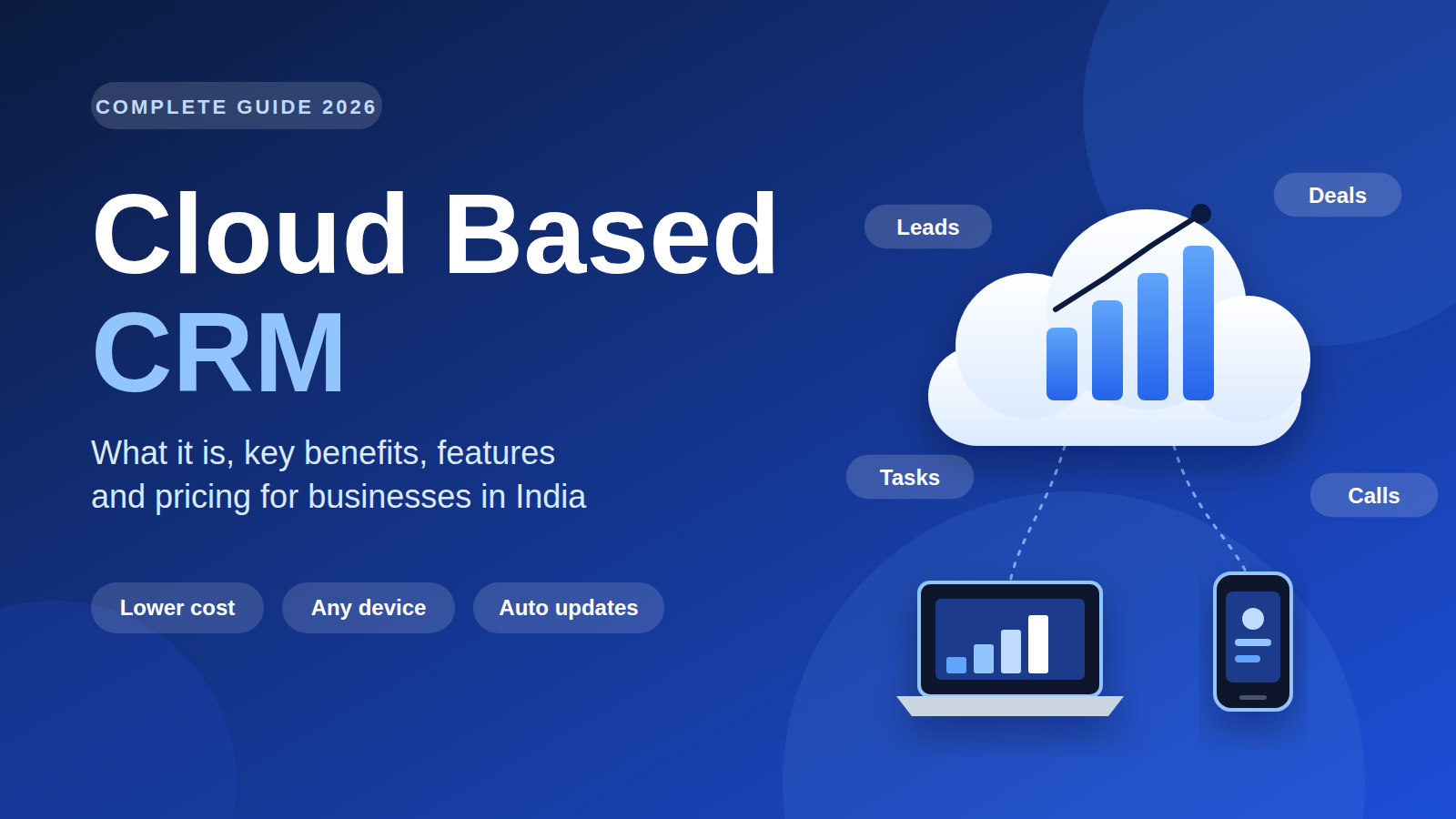
A cloud based CRM is customer relationship management software hosted on the vendor’s servers and accessed through a web browser or mobile app. Your team pays a subscription instead of installing software, and the vendor handles hosting, updates and backups, so everyone can manage leads, deals and follow-ups from any device.
₹199 per user per monthOrbitoCRM Starter (up to 5 users)₹499 per user per monthOrbitoCRM Professional (up to 25 users)Cloud Based CRM: What It Is, Key Benefits and How to Choose the Right One in India
Sales teams lose deals in small, quiet ways. A lead sits in someone’s WhatsApp. A follow-up lives in a notebook. A manager asks for the pipeline and gets three different spreadsheets. A cloud based CRM fixes this by putting every lead, call, deal and task in one place that your whole team can open from a browser or phone.
This guide explains what a cloud based CRM is, how it compares with older on-premise systems, which features matter, what it costs in India, and how to choose and roll one out without disrupting your team. Each section opens with a short answer, then goes deeper.
What Is a Cloud Based CRM?
A cloud based CRM is customer relationship management software that runs on the vendor’s servers and is used through a web browser or mobile app. You do not install it on your own hardware or maintain servers. You pay a subscription, log in, and the vendor handles hosting, updates and backups.
This model is often called SaaS CRM or online CRM. It follows the broader idea of cloud computing, which the NIST definition of cloud computing describes as on-demand network access to a shared pool of configurable resources that can be provisioned quickly with minimal management effort. For a business, that translates into a simple promise: you use the software, someone else runs it.
A typical cloud CRM software package includes:
- A contact and company database
- A visual sales pipeline
- Lead capture from forms, email and calls
- Task and follow-up reminders
- Reports and dashboards
- Integrations with email, calendar and other business tools
How Does a Cloud Based CRM Work?
A cloud based CRM stores your data in the vendor’s secure data centres and delivers the application over the internet. Your team logs in with a username and password, adds or updates records, and everyone sees the same live information. Updates roll out automatically, so no one installs patches.
Here is the flow in practice:
- Capture: A lead arrives through your website form, an email, a call or a manual entry.
- Record: The CRM creates a contact record and logs the source.
- Assign: Rules route the lead to the right salesperson.
- Engage: The rep calls, emails or messages, and every touchpoint is logged.
- Progress: The deal moves through pipeline stages until it closes or is lost.
- Report: Managers see conversion rates, activity and forecasts in real time.
Because everything is logged against the customer record, nothing depends on one person’s memory or inbox.
Cloud Based CRM vs On-Premise CRM: What Is the Difference?
The main difference is where the software lives. A cloud CRM runs on the vendor’s servers and is paid for as a subscription. An on-premise CRM is installed on your own servers, needs an IT team to maintain it, and usually involves a large upfront licence fee.
| Factor | Cloud Based CRM | On-Premise CRM |
|---|---|---|
| Hosting | Vendor’s servers | Your own servers |
| Upfront cost | Low, usually a small setup fee | High, licences and hardware |
| Pricing model | Monthly or annual per user | One-time licence plus maintenance |
| Setup time | Days | Weeks to months |
| Updates | Automatic | Manual, handled by your IT team |
| Access | Any device with internet | Often limited to office network or VPN |
| Scaling | Add or remove users anytime | Needs more hardware and licences |
| IT burden | Minimal | Significant |
An on-premise CRM can still make sense when strict regulations require data to stay inside your building. For most growing Indian businesses, a cloud CRM is faster to start, cheaper to run and easier to scale.
What Are the Main Benefits of a Cloud Based CRM?
The main benefits are lower cost, faster setup, access from anywhere, automatic updates and easy scaling. Teams also gain a single source of truth for customer data, which improves follow-up discipline and gives managers reliable visibility into the pipeline.
Lower total cost. You skip servers, licence fees and most IT support. Costs become a predictable per-user subscription.
Faster go-live. You can sign up, import contacts and start working within days instead of waiting on infrastructure.
Access from anywhere. Field sales reps can update deals from their phones. This is why mobile CRM access is now a baseline expectation, not a bonus.
Automatic updates. New features and security fixes arrive without downtime or manual upgrades.
Scalability. Hiring five new reps means adding five seats, not buying hardware.
Better collaboration. Sales, support and management all see the same customer history.
Stronger follow-up. Reminders and automation make sure no lead goes cold because someone forgot.
Which Features Should a Cloud CRM Software Have?
Look for lead management, a visual pipeline, workflow automation, email and call integration, mobile access, reporting and role-based permissions. Add AI features if you handle high lead volume. Match the feature set to your team’s actual process, not to the longest feature list on a pricing page.
| Feature | Why It Matters | What to Check |
|---|---|---|
| Lead management software | Captures and scores every lead | Import options, duplicate handling, source tracking |
| Visual sales pipeline | Shows deal stages at a glance | Custom stages, drag-and-drop |
| Sales automation | Removes repetitive work | Triggers, reminders, auto-assignment |
| Email integration | Keeps conversations in one record | Two-way sync with your mail provider |
| Call tracking | Logs every conversation | Click-to-call, recordings, notes |
| Mobile CRM | Supports field teams | Full app, offline behaviour |
| Analytics | Guides decisions | Custom reports, conversion and revenue views |
| Access control | Protects data | Roles, audit logs |
| API and integrations | Connects your stack | Available on your chosen plan |
If your team makes or receives many calls, check for AI calling and call summaries. These are increasingly useful for qualifying leads quickly in regional languages.
How Much Does a Cloud Based CRM Cost in India?
Cloud CRM pricing in India typically ranges from a few hundred rupees per user per month for basic plans to a thousand rupees or more for enterprise plans. Costs depend on user count, automation depth, analytics, integrations and support level. Always check for setup fees and GST.
For a concrete reference, here are the published OrbitoCRM plans:
| Starter | Professional | Enterprise | |
|---|---|---|---|
| Price | ₹199 per user per month | ₹499 per user per month | ₹999 per user per month |
| Users included | Up to 5 | Up to 25 | Unlimited |
| Lead management | Basic | Advanced | Advanced |
| Workflow automation | Not included | Included | Included |
| API integrations | Not included | Included | Included |
| Analytics | Basic | Advanced | AI-powered |
| Support | Community | Priority | Dedicated |
A quick example: a team of 10 on the Professional plan would pay 10 × ₹499 = ₹4,990 per month before GST, plus a one-time setup fee of ₹2,500. Every plan starts with a 90-day free trial, so you can test with real data before paying. You can compare plans in detail on the OrbitoCRM pricing page.
Hidden costs to ask about
- Data migration and import support
- Paid add-ons such as AI credits
- Extra charges for API access or premium support
- Minimum user counts or annual contracts
- Training and onboarding fees
Is a Cloud Based CRM Secure?
Reputable cloud CRM vendors invest heavily in security, often more than a small business could afford on its own servers. Still, security varies by vendor. Check for role-based access, audit logs, encrypted connections, regular backups and clear data ownership terms before you commit.
Ask every vendor these questions:
- Who owns the data, and can I export it at any time?
- Are permissions role-based, so reps only see what they need?
- Are user actions logged for audit purposes?
- How are backups handled, and how quickly can data be restored?
- Is my data used to train third-party AI models?
- Where is data stored, and does that meet my compliance needs?
On the last two points, OrbitoCRM states that its AI runs inside your workspace and that customer data is not used to train other models. It also offers role-based access and audit logs. Always ask for the current policy in writing during evaluation.
Is a Cloud Based CRM Right for a Small Business?
Yes. A cloud based CRM is often the best CRM software for small business because it needs no IT staff, starts at a low monthly cost and scales as you hire. Small teams benefit most from automated follow-ups, since they rarely have time to chase every lead manually.
Signs you have outgrown spreadsheets:
- Leads are lost or contacted twice
- Nobody knows the true status of open deals
- Follow-ups depend on individual memory
- Reporting takes hours each week
- New hires struggle to learn the pipeline
- Customer history is scattered across email, chat and notes
If three or more of these sound familiar, a CRM will pay for itself quickly through recovered leads alone.
How Do You Choose the Right Cloud Based CRM?
Start with your sales process, not the feature list. Define your must-haves, shortlist three vendors, trial each with your own data, and involve the people who will use it daily. Choose the tool your team will actually adopt, not the one with the most options.
Follow this simple framework:
- Map your process. Write down how a lead moves from first contact to closed deal.
- List must-haves and nice-to-haves. Be strict. Most teams need fewer features than they think.
- Set a budget. Include per-user fees, setup, add-ons and GST.
- Shortlist three vendors. More than three makes comparison slow and muddy.
- Run a real trial. Load your actual leads and walk your actual process through each tool.
- Test mobile and integrations. Confirm your email, calendar and other tools connect properly.
- Check support quality. Ask a question during the trial and see how fast the vendor answers.
- Decide with your team. Adoption matters more than any single feature.
How Do You Implement a Cloud CRM Without Disrupting Your Team?
Roll out in phases. Clean and import your data first, configure one pipeline, train a small pilot group, then expand. Keep the first setup simple and add automation once the team is comfortable. Most failed rollouts come from skipping training and trying to do everything at once.
A practical timeline:
- Week 1: Clean contact data, define pipeline stages, import records.
- Week 2: Configure users, roles, email integration and basic automation.
- Week 3: Train a pilot group and gather feedback.
- Week 4: Roll out to the full team and set weekly pipeline reviews.
Common mistakes to avoid
- Importing messy, duplicate data
- Building complex workflows before the basics work
- Skipping training for the sales team
- Not assigning an internal owner for the CRM
- Measuring nothing after go-live
What Does OrbitoCRM Offer as a Cloud Based CRM?
OrbitoCRM is an AI-driven CRM and HRMS platform built by Web Digital Mantra in Bengaluru. It combines sales pipeline, workflow automation, analytics, HR and payroll in one workspace, with AI agents and AI calling that logs conversations directly into your CRM records.
Key capabilities include:
- Sales CRM: Deals, quotes, invoices and a visual pipeline in one place.
- AI calling: Answers new leads, qualifies them in Hindi, Hinglish or English, and syncs transcripts and outcomes to the CRM.
- AI agents: Assistants for CRM, email replies, meeting summaries and support. See the AI agents page for details.
- HR and payroll: Attendance, leave and payroll alongside sales, so you manage people and customers from a single login.
- Workflow automation: Link modules so a lead update or HR request triggers follow-up actions without code.
- Collaboration and projects: Chat, tasks, boards and documents inside the same workspace.
You can explore the full product suite, read more about the team, or browse more guides on the OrbitoCRM blog.
Ready to test it with your own data? Start your 90-day free trial or book a free demo and the team will walk your real process through the platform.
Final Thoughts
A cloud based CRM gives growing teams a faster, cheaper and more flexible way to manage leads and customers than spreadsheets or legacy on-premise systems. The right choice depends on your process, budget and team habits. Define your must-haves, trial two or three options with real data, and pick the one your team will use every day.
Expert advice
A cloud based CRM lets your team manage leads, deals and follow-ups from any device without servers or IT overhead. This guide covers benefits, features, costs in rupees and a simple framework for choosing the right platform.
| Option | Cost | Timing |
|---|---|---|
| OrbitoCRM Starter | ₹199 per user per month. For 5 users: ₹995 per month (calculated) | 90-day free trial, then monthly billing |
| OrbitoCRM Professional | ₹499 per user per month. For 10 users: ₹4,990 per month (calculated) | 90-day free trial, then monthly billing |
Serving Bangalore and nearby: MG Road, Bengaluru, Yelachenahalli, Bengaluru, JP nagar, Bengaluru.
Frequently asked questions
What is the meaning of cloud based CRM?
A cloud based CRM is customer relationship management software hosted on a vendor’s servers and accessed over the internet. You pay a subscription instead of buying and installing software, and the vendor handles hosting, security updates and backups.
What are the advantages of a cloud based CRM over spreadsheets?
A cloud CRM gives you a shared, live view of every lead and deal, automatic reminders, activity history and reporting. Spreadsheets cannot enforce follow-ups, track conversations or give managers reliable pipeline visibility without constant manual updates.
Can I use a cloud CRM on my phone?
Yes. Most cloud CRM platforms offer mobile access so reps can update deals, log calls and check tasks on the go. OrbitoCRM includes mobile app access on all plans.
How long does it take to set up a cloud based CRM?
Basic setup can take a few days, and a full rollout with data import, integrations and training typically takes two to four weeks. Starting with one simple pipeline and adding automation later keeps the process fast.
Orbito CRM · #23, 3rd floor, Nandini Mansion, Bengaluru, Karnataka, 560078 · +919804800999