
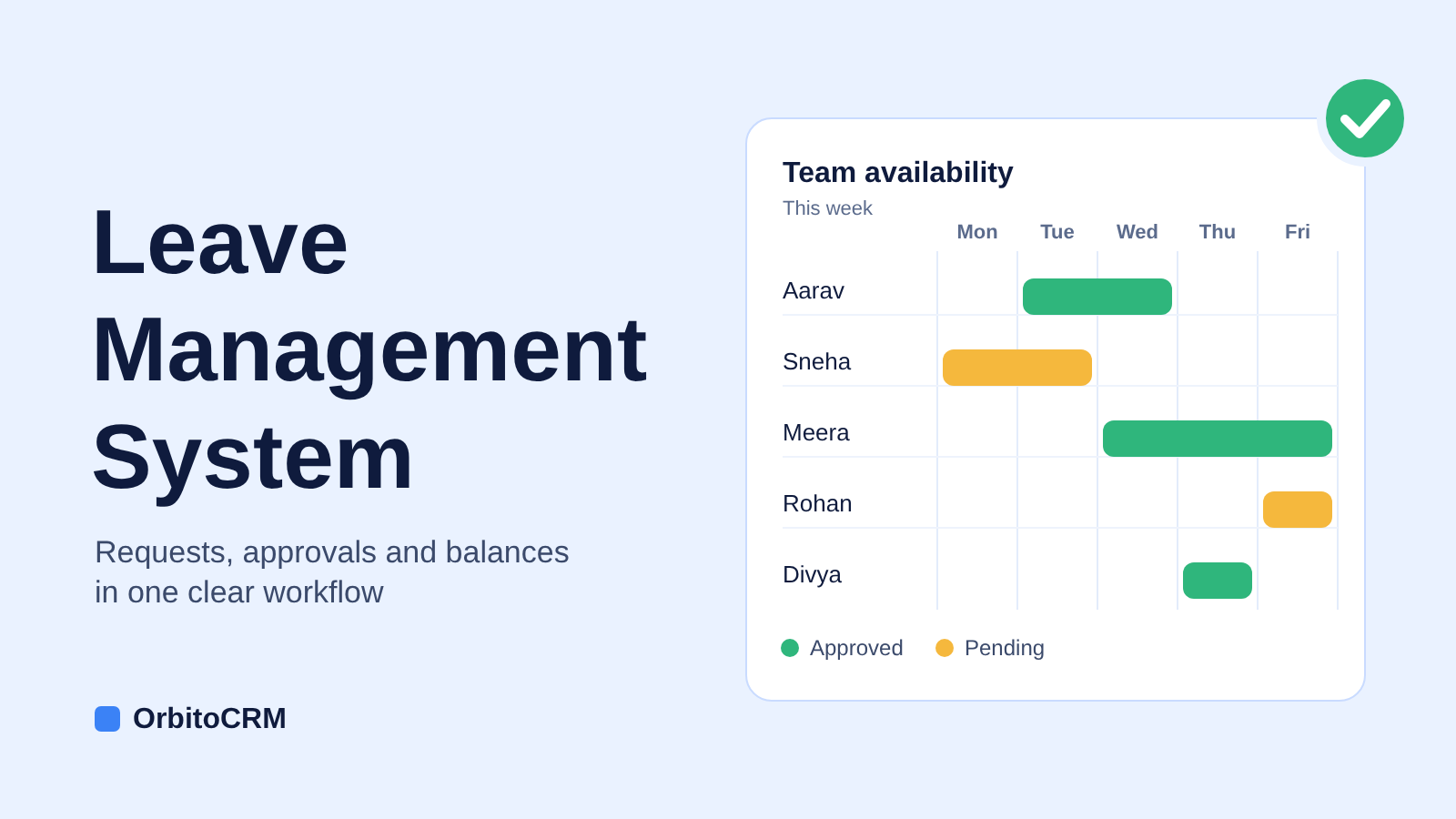
A leave management system is software that records employee leave requests, routes them to managers for approval, updates leave balances automatically and stores the history for HR reporting. It replaces spreadsheets, emails and paper forms with one rules-based workflow that employees, managers and HR can all see.
Business typeLocalBusinessCityBengaluruSoftware typeleave management systemWebsiteorbitocrm.inLeave Management System: How to Choose and Set One Up for Your Team
Every HR team knows the pattern. A request arrives on WhatsApp, a manager replies by email, and someone updates a spreadsheet three days later. By month end, nobody trusts the balances. A leave management system replaces that scramble with one process that employees, managers and HR can all see. This guide explains what the system does, which features matter, how leave types work in Indian workplaces, and how to set one up without disrupting your team.
What is a leave management system?
A leave management system is software that records employee leave requests, routes them for approval, updates leave balances automatically and stores the history for reporting. It replaces spreadsheets, emails and paper forms with a single, rules-based workflow.
Most systems also include holiday calendars, team availability views and notifications. Some work as a standalone leave tracker, while others sit inside a full HRMS next to attendance and payroll data.
Why do teams outgrow spreadsheets for employee leave tracking?
Spreadsheets work for five people. They struggle at fifty. Teams usually switch when they notice these problems:
- Balances drift because someone forgets to deduct an approved day
- Approvals get lost in email or chat threads
- Managers cannot see who else is away before they say yes
- Different leave types follow different rules, and formulas break
- HR spends hours answering “how many days do I have left?”
- Payroll receives leave data late, which causes corrections
Each issue is small on its own. Together they create disputes, delays and weak records.
What are the benefits of a leave management system?
The main benefits are accuracy, speed and visibility. Balances update automatically, approvals move faster, and everyone sees the same information.
- Fewer errors: accrual and deductions follow rules instead of memory
- Faster approvals: reminders and escalations stop requests from stalling
- Less HR admin: employees check their own leave balance
- Better planning: managers see team availability before approving
- Cleaner records: every request has a time-stamped history
- Smoother payroll: leave data reaches payroll without retyping
Teams that start employee leave tracking early also avoid the painful clean-up that comes with a large, messy spreadsheet.
What features should a leave management system have?
Look for the core features below before you compare prices.
| Feature | What it does | Why it matters |
|---|---|---|
| Employee self-service | Employees apply and view balances themselves | Fewer queries to HR |
| Approval workflow | Routes requests to the right manager with reminders | Faster decisions |
| Multiple leave types | Handles casual, sick, earned, maternity, unpaid and comp off | Matches your leave policy |
| Automatic balances | Accrues, deducts and carries forward leave | Removes manual errors |
| Holiday calendar | Applies public and company holidays | Accurate day counts |
| Team calendar | Shows who is away and when | Better workload planning |
| Reports | Shows leave history, trends and balances by team | Audit and planning |
| Mobile access | Lets staff apply and managers approve from a phone | Works for field teams |
| Payroll and attendance link | Shares leave data with other modules | Fewer corrections |
Which leave types should you configure for Indian teams?
Most Indian employers configure a mix of statutory and company-defined leave. Common types include:
- Casual leave for short, unplanned absences
- Sick leave for illness and medical recovery
- Earned or privilege leave that accrues with service
- Maternity and paternity leave as required by law and company policy
- Compensatory off for work done on holidays or weekends
- Loss of pay for days beyond the available balance
Statutory entitlements differ by law and by state, including the Maternity Benefit Act and each state’s Shops and Establishments rules. Check current requirements with the Ministry of Labour & Employment and your legal adviser, then mirror your final policy in the system. The software enforces rules. It does not decide them.
How does a leave approval workflow work?
A leave approval workflow moves a request from employee to approver and back, updating records at each step. A typical flow looks like this:
- The employee picks a leave type and dates, then submits the request.
- The system checks the leave balance and policy rules.
- The reporting manager receives a notification.
- The manager approves or rejects, ideally with a short comment.
- The employee is notified and the balance updates.
- HR and payroll can see the final record.
Add escalation rules so a request does not sit idle when a manager is travelling or unavailable.
How is a leave management system different from spreadsheets?
A leave management system automates calculations, routing and records, while spreadsheets depend on manual updates by whoever owns the file.
| Area | Spreadsheet or email | Leave management system |
|---|---|---|
| Requests | Email, chat or paper | One online form |
| Balances | Manual formulas | Automatic accrual and deduction |
| Approvals | Chased by hand | Routed with reminders |
| Visibility | Mostly HR | Employees, managers and HR |
| Audit trail | Scattered across files | Time-stamped history |
| Reporting | Hours of manual work | Reports on demand |
| Growth | Breaks as headcount rises | Scales with the team |
How do you set up a leave management system in six steps?
Set up works best when the policy is clear before any configuration begins. Follow these steps:
- Write down your leave policy. Capture leave types, yearly entitlements, accrual rules, carry forward limits and notice periods.
- Map your approvers. List reporting lines, backup approvers and escalation paths for each team.
- Prepare your data. Gather joining dates, opening balances and the holiday calendar for each location.
- Configure the rules. Enter leave types, half-day options, accrual schedules and any weekend or holiday rules.
- Pilot with one team. Run it for two weeks to catch edge cases before the full launch.
- Roll out and review. Share a short how-to with employees, then review the policy and reports after the first quarter.
How do you choose the right leave management system?
Match the tool to your team size and process, not to the longest feature list. Ask every vendor these questions:
- Can it model our exact leave policy without custom code?
- Does it work well on mobile?
- Can it connect to attendance and payroll?
- What reports and exports are included?
- How are employee data and access permissions protected?
- What do onboarding and support look like?
For a closer look at the automation side, read our guide to leave management software and automated leave tracking.
Should a leave management system be part of your HRMS?
For most growing teams, yes. When leave sits inside an HRMS, it shares employee records with attendance, payroll and onboarding, so nothing is entered twice. Our guide to HRMS software for Indian businesses explains how these modules fit together. To see where leave fits among other repeatable tasks, read how HR automation reduces repetitive administrative work.
Orbito HRMS includes leave management alongside attendance sync and performance logs, in the same workspace as Orbito CRM. If sales and HR data live in separate tools today, see why a unified CRM and HRMS platform is worth considering, or explore the Orbito product suite.
What mistakes should you avoid when adopting a leave management system?
Most failed rollouts trace back to preparation, not software. Avoid these common errors:
- Automating a leave policy that nobody has written down
- Skipping opening balances, which causes disputes on day one
- Forgetting backup approvers for managers who travel
- Over-customising rules for rare exceptions
- Launching without telling employees how to apply
- Never reviewing the policy after launch
- ₹199/user/mo Starter plan costs ₹199 per user per month for up to 5 users Plans for Every Team Size
| Option | Cost | Timing |
|---|---|---|
| Orbito Starter | ₹199/user/month, up to 5 users, plus ₹2,500 setup and GST | Free trial, then monthly billing. Workflow automation not included |
Frequently asked questions
What is a leave management system?
A leave management system is software that automates the process of recording employee leave requests, routing them for approval, and updating leave balances automatically.
How does a leave approval workflow work?
A leave approval workflow moves a request from the employee to their manager and back, updating records at each step to ensure accurate tracking of leave.
What features should I look for in a leave management system?
Look for features like employee self-service, automatic leave balances, multiple leave types, and an approval workflow to streamline the leave management process.
Why should my team switch from spreadsheets to a leave management system?
Switching to a leave management system improves accuracy, speeds up approvals, and provides better visibility for all team members compared to traditional spreadsheets.
What types of leave should I configure for my Indian team?
Common leave types for Indian teams include casual leave, sick leave, earned leave, maternity and paternity leave, and compensatory off, among others.
