
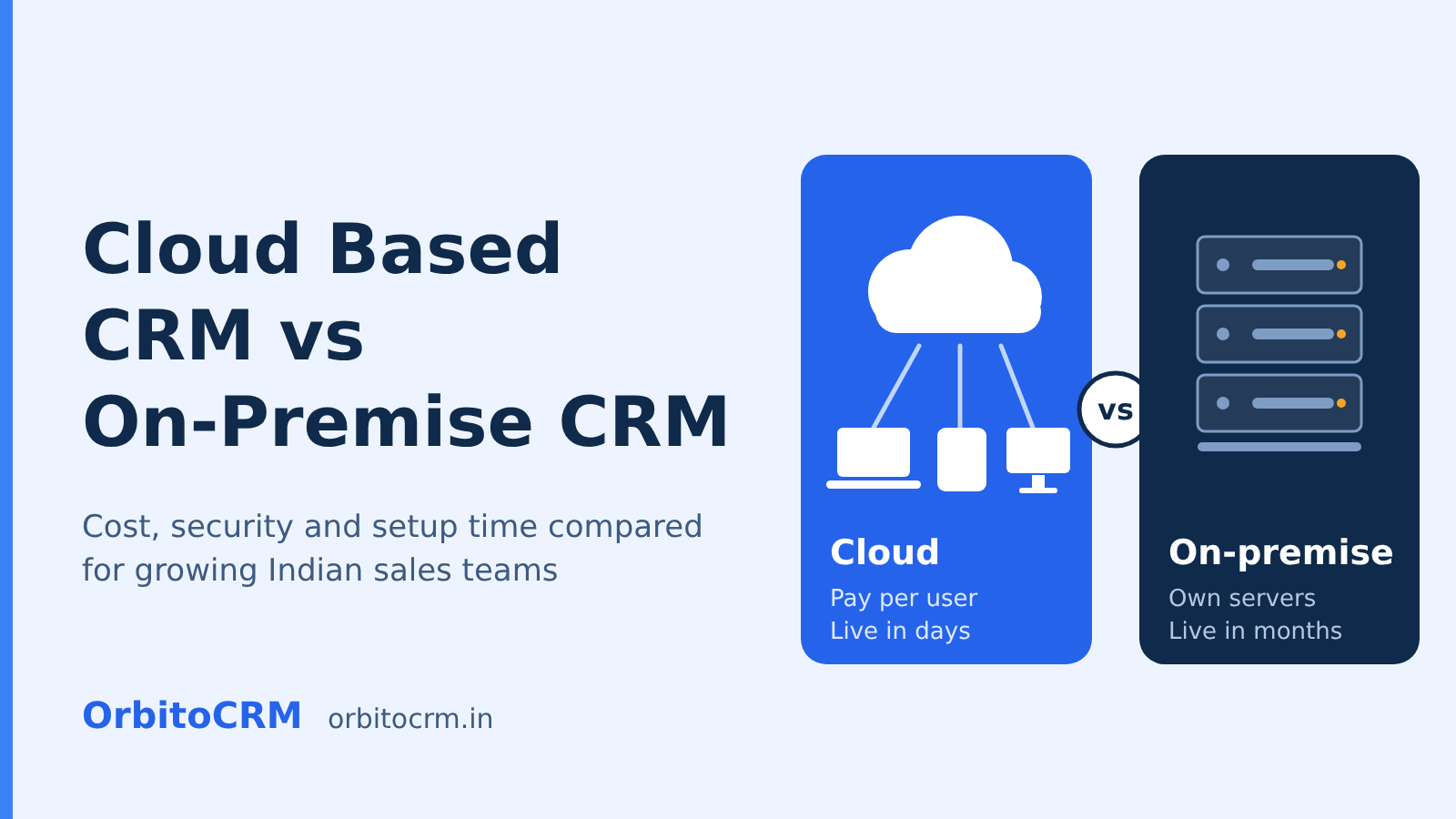
Cloud based CRM or on-premise? This guide compares cost, security, speed and scalability for Indian teams, with a decision table, a selection checklist and answers to common questions.
Free trial90-day free trialSetup fee₹2,500Picking between a cloud based CRM and an on-premise system is one of the first big decisions a growing sales team faces. Choose badly and you either pay for servers you barely use or lose access to customer data the moment your team leaves the office. This guide compares both models on cost, security, speed and scalability, then gives you a simple way to decide. If you want the basics first, start with our explainer on what a cloud based CRM is and how to choose one.
What Is a Cloud Based CRM?
A cloud based CRM is customer relationship management software that the vendor hosts on remote servers and you reach through a browser or mobile app. You pay a subscription, the vendor handles updates, backups and uptime, and your team can log in from any device with an internet connection.
Most cloud CRM software covers lead management, a visual sales pipeline, follow-up reminders, email integration and reporting. Many platforms also add automation and AI on top. OrbitoCRM, for example, brings CRM, HR, payroll and automation into one workspace, which you can explore on the product suite page.
What Is an On-Premise CRM?
An on-premise CRM is software you buy a licence for and install on servers that your company owns and maintains. Your IT team controls the hardware, the database, the security patches and every upgrade, which gives full control but also full responsibility.
Businesses usually choose this model when they have strict internal data rules, older systems that cannot connect to external services, or an existing data centre they want to use. The trade-off is that you carry the cost of hardware, staff and downtime risk yourself.
How Do a Cloud Based CRM and an On-Premise CRM Compare?
A cloud based CRM wins on speed, upfront cost, remote access and automatic updates. An on-premise CRM wins on direct control over hardware and data location. For most small and mid-sized Indian teams, the cloud model is the more practical fit. The table below shows the full picture.
Factor | Cloud based CRM | On-premise CRM |
|---|---|---|
Upfront cost | Low, subscription only | High, licence plus servers |
Ongoing cost | Per user, per month | IT staff, power, maintenance, upgrades |
Setup time | Days to a few weeks | Weeks to months |
Updates | Automatic, handled by the vendor | Manual, scheduled by your IT team |
Access | Any device with internet | Usually office network or VPN |
Scalability | Add or remove users anytime | Needs new hardware and licences |
Data control | Shared with the vendor under contract | Fully in your hands |
Customisation | Strong within platform limits | Deep, but needs developers |
IT effort | Minimal | Significant |
Is a Cloud Based CRM Cheaper Than an On-Premise CRM?
For most small and mid-sized teams, yes. A cloud based CRM removes the hardware and licence purchase, so you start paying only for the users you have. On-premise costs tend to catch up later through maintenance, staffing and upgrades.
Hidden costs of an on-premise setup often include:
- Server hardware and replacement cycles
- Backup systems and disaster recovery
- IT staff time for patches and troubleshooting
- Paid upgrades when a new version launches
- Downtime when something fails and nobody is on call
Cloud pricing is easier to predict. OrbitoCRM lists its rates openly, as shown below. Every plan starts with a 90-day free trial, there is a one-time setup fee of ₹2,500, and GST is applicable.
Plan | Price per user per month | Users included | Best for |
|---|---|---|---|
Starter | ₹199 | Up to 5 | Small teams starting with basic lead tracking |
Professional | ₹499 | Up to 25 | Growing teams that need workflow automation and API integrations |
Enterprise | ₹999 | Unlimited | Larger teams that need advanced security, an SLA and dedicated support |
Check the pricing page for current figures, or read our guide to affordable CRM software in India to compare plans and costs.
Is a Cloud Based CRM Secure Enough for Indian Businesses?
Yes, provided the vendor offers role-based access, audit logs, encryption and clear data handling terms. Security depends on how a platform is built and run, not only on where the server sits. Your own legal obligations apply either way.
India's Digital Personal Data Protection Act was enacted in August 2023, and the government has since notified rules under it, as set out in this official Government of India announcement. Businesses that handle customer data should treat consent and data handling as part of CRM selection, not an afterthought.
Ask every vendor these questions:
- Who can see which records, and can access be limited by role?
- Is there an audit log of who changed what?
- How is data backed up, and how fast can it be restored?
- Is your data used to train AI models?
- What happens to your data if you leave?
OrbitoCRM offers role-based access and audit logs, and states that its AI runs inside your workspace without using your data to train other models.
What Are the Main Benefits of a Cloud Based CRM?
The main benefits are faster rollout, access from anywhere, automatic updates, pay-as-you-grow pricing and built-in automation. These matter most to teams that are small, field-based or growing quickly.
- Quick start: Sign up, import contacts and begin tracking leads without buying hardware.
- Mobile access: Field reps update deals right after a meeting, so records stay current.
- No upgrade projects: New features arrive automatically, so you never schedule a migration weekend.
- Flexible cost: Add seats when you hire and remove them when you do not need them.
- Automation: Follow-ups, lead routing and reminders run without manual effort. Learn more in our guide to sales automation software and how CRM automation helps convert more leads.
- AI capabilities: Modern cloud platforms can answer leads, summarise calls and log outcomes. See the OrbitoCRM AI agents for an example.
When Does an On-Premise CRM Still Make Sense?
An on-premise CRM still makes sense when regulation or internal policy requires data to stay on your own servers, when you rely on legacy systems that cannot connect to the cloud, or when you already run a capable IT team and data centre.
- Internal policy bans external hosting of customer records
- Deep integration with older software that has no modern API
- An existing data centre with spare capacity and trained staff
- A need for fully isolated networks
Outside these cases, the extra effort and cost rarely pay off for small and mid-sized teams.
How Do You Choose the Right Cloud Based CRM?
Choose a cloud based CRM by listing your must-have features, checking pricing in rupees including GST, testing it with your own data during a trial, and confirming support and security. Follow these steps in order:
- Write down your sales process, from first enquiry to closed deal.
- List the three problems you want solved first, such as missed follow-ups or scattered lead data.
- Shortlist two or three vendors and check for Indian pricing, GST support and local language options.
- Run a free trial with real records, not sample data.
- Ask your sales team to use it for a week and share feedback.
- Confirm support hours, data import help and exit terms before paying.
Use this checklist when comparing vendors:
Feature | Why it matters | What to ask |
|---|---|---|
Lead management | Stops enquiries from slipping through | Can leads be scored and assigned automatically? |
Workflow automation | Saves hours of manual follow-up | Can I build rules without code? |
Mobile app | Keeps field data current | Does it work well on Android and iOS? |
Integrations | Connects email, calendar and other tools | Is there an API? |
Reporting | Shows pipeline health | Are dashboards included in my plan? |
Support | Reduces rollout risk | Is onboarding help included? |
For a wider comparison, see our roundup of the best CRM software in India.
How Long Does It Take to Move to a Cloud Based CRM?
Most small teams can move to a cloud based CRM in a few days to a few weeks. The timeline depends mainly on how clean your existing data is and how many people need training, not on the software itself.
- Export contacts and deals from spreadsheets or your old system
- Remove duplicates and fix missing fields
- Map your fields to the new CRM
- Import a small batch first and check it
- Train your team on daily tasks only
- Run both systems briefly, then switch off the old one
OrbitoCRM provides data import wizards and guided setup for this stage, and you can book a free demo to see your own records loaded.
- ₹199, ₹499 and ₹999 per user per month; ₹2,500 setup; 90-day free trial; GST extra OrbitoCRM Starter, Professional, Enterprise OrbitoCRM homepage, pricing section
| Option | Cost | Timing |
|---|---|---|
| OrbitoCRM (cloud) | ₹199 to ₹999 per user per month, ₹2,500 setup, GST extra | 90-day free trial; go-live time is not published on the site |
| On-premise CRM | $25,000 to $50,000 or more upfront, plus 20 to 30% yearly maintenance (Teamgate) | Weeks to months (Teamgate); 3 to 6 months (Cekat) |
Serving Bangalore and nearby: Electronic city, Bengaluru, Jalahalli, Bengaluru, Mg road, Bengaluru.
Expert advice
A cloud based CRM costs less upfront, goes live in days to weeks and works from any device, while an on-premise CRM suits only teams that must keep data on their own servers.
Frequently asked questions
What is a cloud based CRM?
A cloud based CRM is customer relationship management software hosted on remote servers, accessible through a browser or mobile app. It allows users to pay a subscription while the vendor manages updates, backups, and uptime.
How does a cloud based CRM compare to an on-premise CRM?
A cloud based CRM generally offers lower upfront costs, faster setup, and easier remote access compared to an on-premise CRM. However, an on-premise system provides full control over hardware and data location.
Is it easy to scale a cloud based CRM?
Yes, a cloud based CRM allows businesses to add or remove users anytime without the need for new hardware or licenses. This flexibility is particularly beneficial for growing teams.
Can I try Orbito CRM before committing?
Yes, Orbito CRM offers a 90-day free trial, allowing businesses to explore its features and benefits without any initial commitment. There is a one-time setup fee involved.
What security measures should I look for in a cloud based CRM?
When choosing a cloud based CRM, look for features like role-based access, audit logs, and data encryption. Additionally, ensure that the vendor has clear data handling terms and complies with local regulations.
