
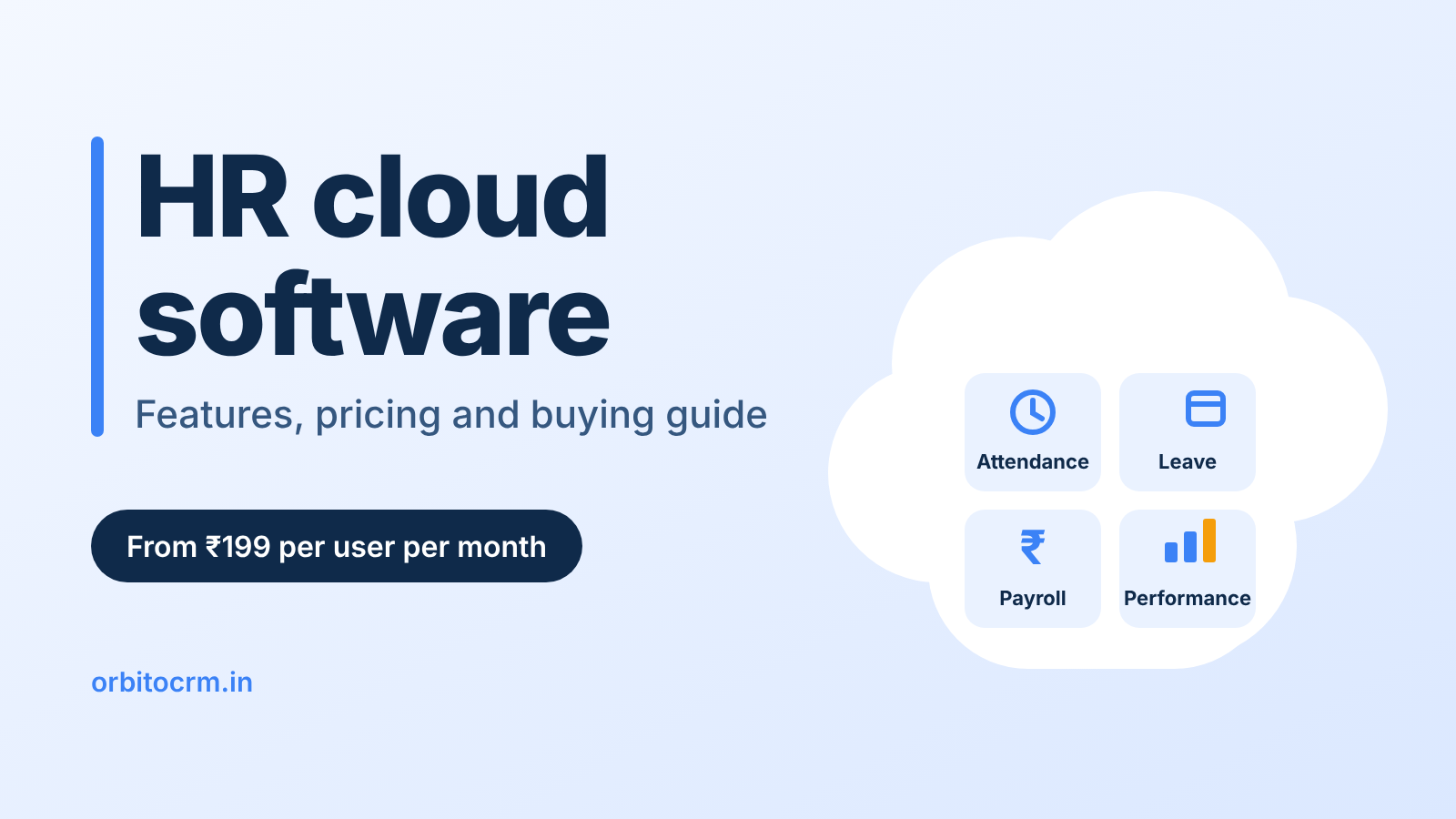
HR cloud software is an online system for managing employee data, attendance, leave and payroll. The vendor hosts it and updates it automatically, and you access it through a browser or phone for a monthly fee.
₹199 per user per monthOrbitoCRM StarterSpreadsheets, WhatsApp approvals and paper leave forms work until your team crosses about 25 people. After that, errors creep in, payroll takes days, and HR spends more time chasing data than helping employees. HR cloud software solves this by putting every people process into one platform that you open in a browser or on a phone.
This guide explains what HR cloud software is, which features matter, what it costs in India, how it supports statutory compliance, and how to pick and roll out the right system without disrupting your team.
What is HR cloud software?
HR cloud software is a web-based system that manages employee data, attendance, leave, payroll and performance on remote servers run by the vendor. You access it through a browser or mobile app, pay a subscription, and get updates automatically, with no servers to buy or maintain.
You will also see it called cloud HRMS, cloud based HR software or an HR management system. The core idea is the same: one source of truth for people data, available anywhere, with the vendor handling hosting, backups and upgrades.
Typical modules include:
- Core employee records and documents
- Attendance management software with shift and location tracking
- Leave management software with approval flows
- Cloud payroll software for salary, deductions and payslips
- Performance logs and review cycles
- Employee self service for payslips, leave balances and requests
Why are Indian businesses moving to cloud based HR software?
Indian businesses are moving to cloud based HR software because it cuts manual work, supports remote and multi-branch teams, and keeps payroll and compliance records accurate. Subscription pricing also removes the large upfront cost of servers and licences.
The main drivers are practical:
- Distributed teams. Sales staff, field teams and branch offices all need the same attendance and leave rules.
- Fewer errors. One record feeds attendance, leave and payroll, so nobody retypes data.
- Faster month-end. Payroll inputs are ready when the month closes.
- Predictable cost. You pay per user per month and scale up or down as headcount changes.
- Employee expectations. Staff now expect to check payslips and apply for leave from their phones.
What features should HR cloud software include?
Good HR cloud software should include employee records, attendance, leave management, payroll, performance tracking, role-based access, reporting and automation. Integrations with email, calendar and payroll tools matter just as much as the feature list.
Use this table as a shortlist filter:
| Feature | What it does | Why it matters |
|---|---|---|
| Core HRMS | Stores profiles, contracts and documents | One clean record for every employee |
| Attendance sync | Captures check-ins, shifts and absences | Feeds payroll without manual entry |
| Leave management | Handles requests, balances and approvals | Removes email and paper chains |
| Cloud payroll | Calculates pay, deductions and payslips | Reduces errors and month-end delays |
| Performance logs | Tracks goals, reviews and feedback | Makes appraisals fair and documented |
| Employee self service | Lets staff view and request on their own | Cuts routine HR queries |
| Role-based access | Controls who sees what | Protects salary and personal data |
| Analytics | Shows headcount, attrition and payroll trends | Supports better decisions |
| HR automation | Triggers actions from events | Saves repetitive admin hours |
How is cloud HRMS different from on-premise HR software?
Cloud HRMS runs on the vendor’s servers and is paid for by subscription, while on-premise software runs on your own hardware and needs a large upfront licence. Cloud systems update automatically and scale faster, but on-premise gives more direct control over infrastructure.
| Factor | Cloud HRMS | On-premise HR software |
|---|---|---|
| Upfront cost | Low, subscription based | High, licence plus hardware |
| Setup time | Days to weeks | Weeks to months |
| Updates | Automatic | Manual, often paid |
| Access | Browser and mobile, anywhere | Usually office network or VPN |
| Maintenance | Handled by vendor | Needs your IT team |
| Scalability | Add users any time | Needs new capacity planning |
| Data control | Governed by vendor policies and your access rules | Full physical control |
For most small and mid-sized companies, the cloud route is cheaper and faster. Very large organisations with strict internal data rules sometimes still prefer on-premise.
How does cloud payroll software help with compliance in India?
Cloud payroll software helps with compliance by calculating salary components consistently, keeping a record of every change, and preparing the data you need for statutory filings such as provident fund. It lowers error risk, but you remain responsible for correct filings.
Indian employers deal with provident fund, ESI, professional tax and income tax deductions, each with its own rules and due dates. The official portal for provident fund registration and returns is the Employees’ Provident Fund Organisation, and rules or deadlines can change, so always check there for the latest requirements.
Software helps in four ways:
- Consistent calculations. The same rules apply to every employee each month.
- Clean records. Attendance, leave and salary history sit in one place for audits.
- Reconciliation. You can compare payroll data against contribution data before filing.
- Reminders. Workflow rules can nudge the team before deadlines.
How much does HR cloud software cost in India?
HR cloud software in India typically costs a monthly fee per user, plus a one-time setup charge with some vendors. Plans differ by user limits, automation, analytics and support level. Always check what the entry plan leaves out.
Pricing varies widely, so use published numbers where you can. OrbitoCRM lists these per-user monthly prices on its pricing page:
| Plan | Price per user per month | Users included | Notable inclusions |
|---|---|---|---|
| Starter | ₹199 | Up to 5 | Basic lead management, email integration, mobile app, community support |
| Professional | ₹499 | Up to 25 | Workflow automation, custom workflows, advanced analytics, API integrations, priority support |
| Enterprise | ₹999 | Unlimited | AI-powered analytics, advanced security, SLA guarantee, white-label options, dedicated support |
Every plan starts with a 90-day free trial. The listed setup fee is ₹2,500, and GST is extra. Prices were accurate when this article was written, so confirm them before you budget.
Watch for these hidden costs with any vendor:
- Per-module charges for payroll or performance
- Extra fees for API access or integrations
- Charges for data migration help
- Paid support tiers
How do you choose the right HR cloud software?
Choose HR cloud software by listing your must-have processes, testing the system with your own employee data, checking integrations and security, and comparing the total yearly cost. A live trial or demo tells you more than a feature brochure.
Use this checklist:
- Fit with your process. Can it handle your shift patterns, leave types and pay structure?
- Ease of use. Will managers and employees use it without training?
- Mobile experience. Can staff mark attendance and apply for leave from a phone?
- Integrations. Does it connect with your email, calendar and accounting or payroll tools?
- Security. Does it offer role-based access and audit logs?
- Support and onboarding. Is migration help included, and what are the response times?
- Scalability. Can it grow from 20 to 200 users without a platform change?
- Total cost. Add subscription, setup, add-ons and support for a full year.
Ask every vendor to load a sample of your real records. Rollouts rarely fail on features. They fail because the system did not match how your team works.
How can you roll out cloud HR software without disrupting work?
Roll out cloud HR software in phases: clean your data, configure policies, pilot with one team, train managers, then go live company-wide. Run payroll in parallel once before switching fully.
A simple plan looks like this:
- Audit your data. Fix duplicate records, missing joining dates and wrong bank details.
- Define policies. Write down leave types, holidays, shifts and approval chains.
- Configure and import. Load employees, balances and salary structures.
- Pilot. Test with one department for a full cycle.
- Train. Show managers how approvals work and employees how self service works.
- Parallel payroll. Run the old and new payroll side by side once to compare results.
- Go live. Switch fully and review after the first month.
Why does HR automation matter?
HR automation matters because it removes repetitive tasks such as approval chasing, reminders and data re-entry. When events in one module trigger actions in another, HR teams spend less time on admin and more time on people.
Examples include a leave approval that updates attendance records automatically, or a new joiner record that triggers onboarding tasks. Look for a visual workflow builder that does not need code, and check whether automation is included in your plan. In OrbitoCRM, for instance, workflow automation starts with the Professional plan. If your teams also use AI-driven tools for calls and follow-ups, see how the platform’s AI agents work alongside the rest of the suite.
Is OrbitoCRM a good option for HR cloud software?
OrbitoCRM suits small and mid-sized Indian businesses that want HR and customer-facing teams on one platform. It combines CRM, HRMS and automation in one workspace, so people data and sales data stay connected.
According to the OrbitoCRM product suite, the HRMS covers attendance sync, leave management, performance logs and rich employee profiles. It connects with automation and analytics, so HR requests and business events can trigger follow-up actions. The vendor, Web Digital Mantra IT Service Pvt Ltd, is based in Bengaluru, and you can read more on the About page.
The best way to judge fit is to test it. You can start a 90-day free trial or book a demo, where the team can walk through your own process with your own data.
Expert advice
HR cloud software moves attendance, leave, payroll and employee records into one secure, always-on platform. This guide covers features, costs in India, compliance and how to choose the right system.
- ₹199 Entry plan costs ₹199 per user per month, for up to 5 users OrbitoCRM pricing section
| Option | Cost | Timing |
|---|---|---|
| Spreadsheets and manual HR | No software fee, but high staff time and error risk | Immediate start, slows down as headcount grows |
Serving Bangalore and nearby: Electronic city, Bengaluru, Whitefield, Bengaluru.
Frequently asked questions
What is the best HR cloud software for small businesses?
The best option is the one that matches your headcount, budget and process. Small businesses should look for low per-user pricing, simple attendance and leave tools, mobile access and a free trial. Test two or three systems with real data before deciding.
Is cloud based HR software secure?
Reputable vendors use encryption, role-based access and audit logs. Security still depends on your own habits, such as strong passwords and limiting who can view salary data. Ask each vendor how it stores data and who can access it.
Can HR cloud software handle payroll?
Most systems include cloud payroll software or connect to one. Check that it supports your salary structure and statutory deductions, and confirm whether payroll is part of your plan or an add-on.
How long does it take to implement HR cloud software?
Small teams can go live in a few days to a few weeks. Larger companies with multiple locations, complex pay structures or messy data often need one to three months, mostly for data cleanup and testing.
